
How to Automate Supplier Invoices Without Losing Financial Control
A practical guide to automating supplier invoices to reduce errors, speed approvals, and improve visibility without losing control.
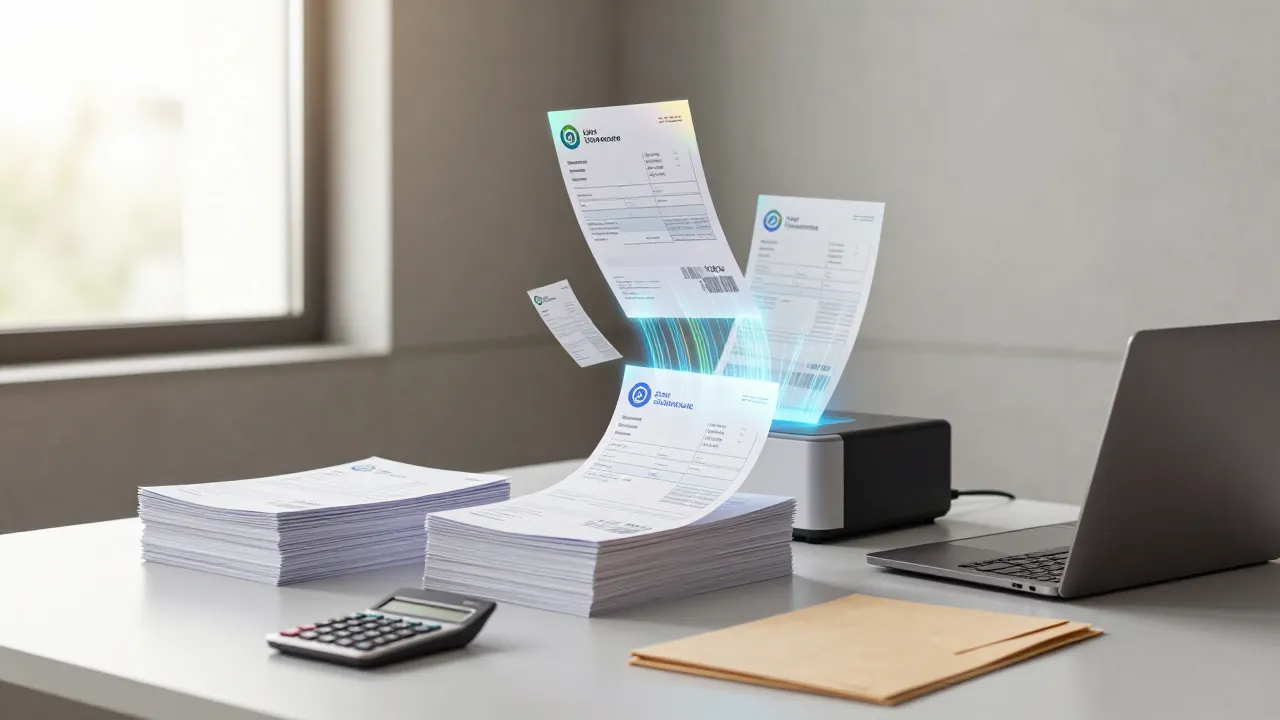
How to Automate Supplier Invoices Without Losing Financial Control
Few business tasks are as repetitive and low-leverage as manual supplier invoice handling. Emails arrive, PDFs get downloaded, amounts are checked, approvals are requested, ERP entries are created, and payments are scheduled. Each step seems small. Together, they consume a large amount of time and create too many chances for mistakes.
Automating this workflow does not mean losing control. Done properly, it means the opposite: more visibility, more traceability, and much less dependency on manual administrative work.
Where the process usually gets stuck
In many companies the workflow looks like this:
- An invoice arrives by email.
- Someone downloads and reviews it.
- It is checked against a purchase order or service.
- It is sent for approval.
- It is entered into the accounting or ERP system.
- Payment is scheduled.
The problem is that delays, re-sends, forgotten steps, and transcription errors appear between those stages. As volume increases, the finance team becomes a bottleneck. This is one of the most costly operational workflows when handled manually.
What can be automated
Today, a large part of the workflow can be automated:
- Automatic capture from inboxes or folders
- Data extraction from the invoice
- Validation against supplier, PO, or expected amount
- Routing to the correct approver
- Registration in the ERP or accounting system (especially useful when there is a CRM-ERP integration connecting sales and finance)
- Alerts for issues or due dates
Not every decision should be fully automated. But repetitive, rules-based work usually should.
The role of AI and OCR
When people talk about invoice automation, they often think only about OCR. OCR helps, but on its own it does not solve the process.
What creates value is combining:
- OCR or document extraction
- Validation rules
- System integrations
- Approval flows
- Exception handling
AI is especially useful when invoice formats vary widely or when documents need more flexible interpretation and classification.
Tools and technologies available
The market for invoice automation tooling has matured significantly. Not every platform handles all invoice formats equally well, so it pays to understand the options before committing.
Specialized invoice OCR
The three leading platforms are Azure Document Intelligence (formerly Form Recognizer), Google Document AI, and Amazon Textract. Each has a different level of accuracy depending on the invoice format and language. Azure tends to excel at extracting structured fields from European invoices. Google Document AI offers strong general performance and integrates smoothly if you already use its ecosystem. Amazon Textract handles high volumes well but typically requires more post-processing for non-US formats.
Beyond these three, vertical solutions like Rossum or Klippa are designed exclusively for invoices and achieve high extraction rates without prior training.
Orchestration platforms
To connect extraction with the rest of the workflow (validation, approval, ERP registration), you need an orchestration layer. n8n, Make (formerly Integromat), and Zapier are the most common choices. n8n stands out for being self-hosted, which matters when financial data must stay within your own infrastructure, and for supporting complex logic with branching, loops, and error handling. Make is a solid middle option with a powerful visual interface. Zapier is the simplest but the most limited for flows with many conditions.
ERP and accounting system APIs
Most modern ERPs expose REST APIs for automatic invoice registration: Holded, Xero, Sage, SAP Business One, Odoo, QuickBooks. The quality of documentation and API design varies widely. Holded and Odoo tend to have the most accessible APIs for direct integration. SAP Business One and Sage require more configuration work but cover more complex scenarios.
AI for classification and matching
Language models can classify invoices by concept, regular supplier, or cost center without rigid rule sets. This is especially useful when you receive invoices from new vendors or with formats that change over time. For automatic matching between an invoice and a purchase order, fuzzy matching techniques compare amounts, dates, and references with configurable tolerances — for example, accepting a 2% difference in the total amount if the reference matches.
Real benefits for finance teams
Fewer manual mistakes
Amounts, dates, references, and tax data no longer need to be retyped over and over.
Faster approval cycles
Invoices route automatically to the right person and reminders happen without manual chasing.
Better control over deadlines
Live visibility makes it easier to avoid missed payments or duplicates.
Stronger auditability
Each step is logged: reception, validation, approval, and posting.
What to define before automating
For the project to work, connecting tools is not enough. The rules need to be clear.
It helps to define:
- Which fields are mandatory
- What validations apply
- Which amounts require human review
- Who approves by type or cost center
- What happens when invoice data does not match the order
These decisions are what turn admin work into a reliable system.
Exception handling: what happens when things do not match
No automation covers 100% of cases from day one. The system needs a clear path for exceptions — invoices that fail validation, amounts that fall outside expected ranges, or suppliers not yet registered in the ERP.
The most effective pattern is a review queue: exceptions are flagged and routed to a designated person for manual review, with full context attached (the extracted data, the validation that failed, and the original document). This is far more efficient than routing everything through email, because the reviewer sees exactly what went wrong and can resolve it in seconds instead of minutes.
Over time, the exception queue becomes a feedback loop. If the same validation fails repeatedly for a specific supplier's format, the extraction rules can be adjusted. If a particular cost center consistently triggers manual review, the approval threshold may need recalibration. The goal is to shrink the exception rate month over month until it stabilizes below 10-15% of total volume.
Start with a controlled case
The best approach is usually to begin with a limited scope:
- One supplier type
- One entry channel
- One business unit
- One invoice range
That makes it easier to refine exceptions, prove impact, and scale with confidence.
Regulatory compliance and electronic invoicing
Depending on your jurisdiction, invoice automation cannot be designed without accounting for the regulatory framework. In the EU, e-invoicing mandates are expanding across member states. In the US, federal contractors already deal with structured invoice requirements, and more industries are adopting electronic invoicing standards like UBL and Peppol.
This has direct implications for the automated workflow: the system must validate mandatory tax fields (tax ID, invoice type, tax breakdown, applicable regime) before registering the invoice, not after. If the OCR extracts an incorrect tax ID and the invoice is posted that way, the downstream correction generates rework and potential penalties. Integrating validation against relevant tax authority databases or VAT verification services (like VIES for intra-EU operations) reduces these errors significantly.
As electronic invoicing mandates expand globally, companies that have already automated their capture and validation pipeline will be well positioned. Structured formats and digital signature requirements fit naturally into a pipeline that already extracts structured data and validates it before registration.
Success metrics and typical ROI
Automating without measuring is a common mistake. To justify the investment and detect problems early, define clear metrics from the start.
Average processing time. The most direct indicator. In manual processes, each invoice consumes between 8 and 15 minutes across reception, review, approval, and registration. With automation and human validation only on exceptions, that time drops below 2 minutes per invoice.
Straight-through processing (STP) rate. The percentage of invoices processed end-to-end without manual intervention. This is the metric that best reflects automation maturity. A realistic target for the first 3 months is 60% to 75%. With continuous rule refinement and OCR model tuning, some companies reach 85-90% after 6 months.
Error reduction. According to studies by AIIM (Association for Information and Image Management), companies that migrate from manual to automated processing report 85-95% drops in transcription errors. This includes errors in amounts, due dates, invoice numbers, and supplier tax data.
Return on investment. For companies processing more than 100 invoices per month, the break-even point is typically reached within 2 to 4 months. The calculation is straightforward: hours saved multiplied by team cost per hour, plus the reduction in error-related costs (duplicate payments, late fees, accounting discrepancies).
Operational control metrics. Beyond ROI, it pays to monitor the number of exceptions by type (unrecognized format, out-of-range amount, unregistered supplier), average approval time, and number of invoices overdue due to processing delays. These metrics allow continuous rule tuning and early detection of bottlenecks before they become systemic problems.
Conclusion
Automating supplier invoices is not only about saving time for administration teams. It is about reducing financial friction, improving control, and creating a process that scales without adding mechanical work.
At Artekia we have implemented invoice processing workflows with OCR and AI for companies handling over 200 invoices per month. In one of these projects, average processing time per invoice dropped from 12 minutes to under 2, including automatic validation and registration in the client's ERP.
If your business handles volume and still depends on email, PDFs, and manual data entry, this is often one of the first processes where automation delivers fast, measurable return.